Localized iOS screenshots without redoing the same simulator flow.
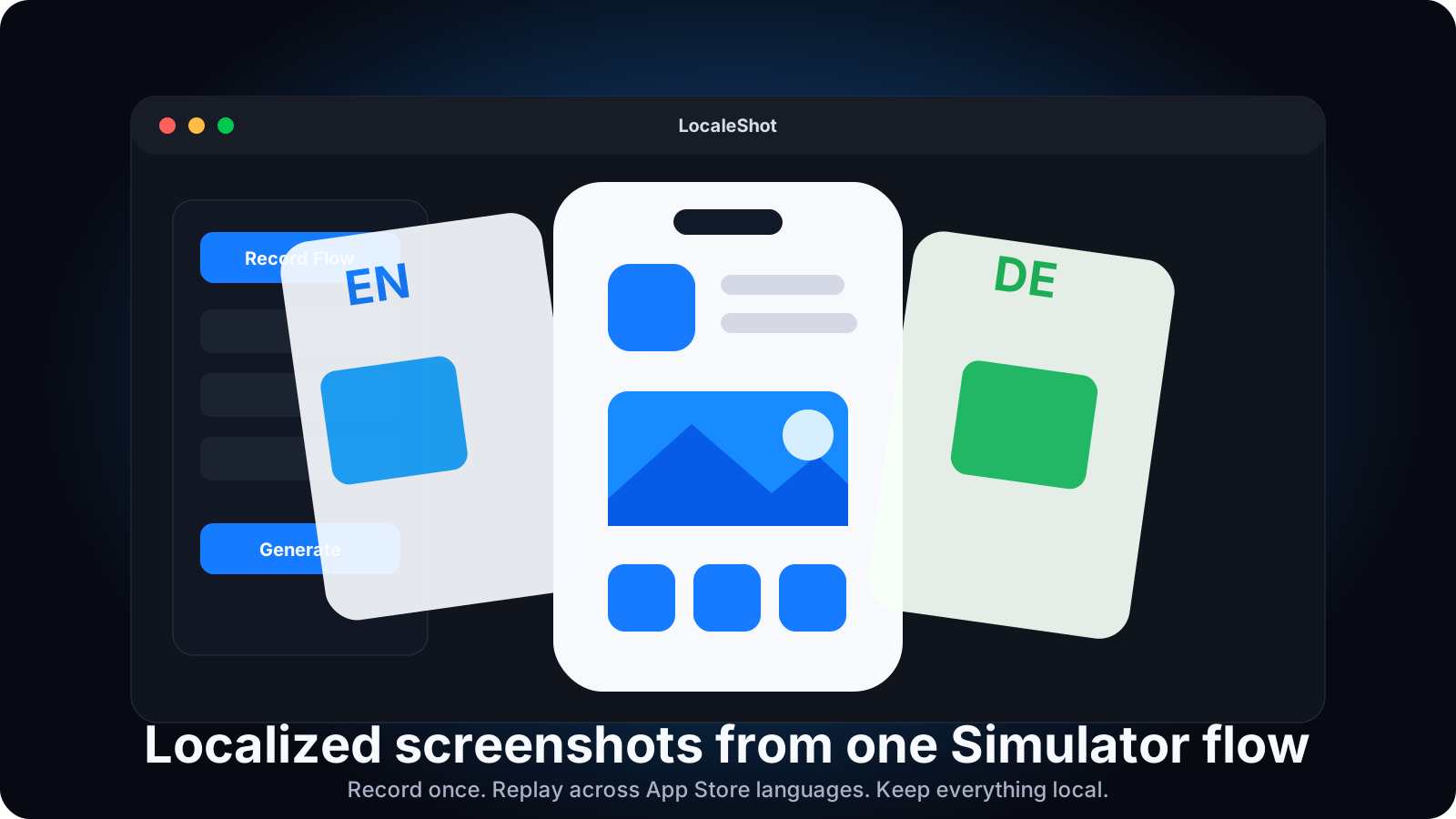
LocaleShot records one manual iOS Simulator walkthrough, captures named checkpoints, then replays that flow across selected languages and saves clean PNG screenshots.
Attach to Simulator
Open the iOS app you want to capture, then attach LocaleShot to the running simulator.
Choose Languages
Pick human-readable languages while LocaleShot keeps the App Store locale codes under the hood.
Record the Flow
Navigate in the real Simulator, capture checkpoints, and let the app store the replayable steps.
Generate
Replay the flow for each locale and save raw PNG screenshots into organized language folders.
Built for launch work
A utility that matches how small iOS teams actually ship.
Localizing screenshots is repetitive and easy to get wrong: launch the app, change language, reach the same screens, capture, rename, sort folders, repeat. LocaleShot exists to remove that repetition while keeping the developer in control of the UI flow.
Purpose-built
It captures raw simulator UI screenshots. That is the job. The output stays local and easy to inspect.
Organized output
Screenshots are grouped by language and checkpoint, so review and upload prep do not turn into filename cleanup.
Requirements
- macOS 13 or newer on Apple Silicon
- Latest stable Xcode with iOS Simulator installed
- Accessibility permission for recording simulator clicks
- A target iOS app already installed or open in Simulator
Deliberately not included
- No App Store Connect uploads
- No device frames or marketing templates
- No AI screen discovery
- No YAML or terminal workflow for normal use
First run
Download, grant permission, attach to your simulator.
- 1. Download LocaleShot. Unzip the macOS app and move it to Applications.
- 2. Open it once. If macOS blocks first launch, right-click the app and choose Open.
- 3. Grant Accessibility. This lets LocaleShot record clicks inside the Simulator window.
- 4. Open your target iOS app. Attach LocaleShot, choose languages, record checkpoints, then generate localized screenshots.